
Multi-Model Routing: One API for OpenAI, Anthropic, and Google
If your app uses more than one LLM—OpenAI for one feature, Anthropic for another, Google or Groq for speed—you're maintaining multiple SDKs, keys, and error handling paths. Multi-model routing flips that: one API, one integration, and the router picks the right model per request.
Why one endpoint instead of many?
- One integration. Your backend calls a single endpoint (e.g.
POST /api/route) with a strategy and optional cost cap. No need to branch on provider in application code. - Vendor neutrality. You can switch or add models (e.g. add DeepSeek, Groq) without changing app logic. Routing rules live in one place.
- Consistent behavior. Streaming, error handling, retries, and logging are unified. No "OpenAI returns 429, Anthropic returns 503" spaghetti.
- Cost and quality control. The router can choose "lowest cost" for non-critical calls and "max reliability" for important ones—without you writing that logic in every service.
How multi-model routing works
A routing layer sits in front of your API keys. For each request it:
- Receives the prompt (and optional strategy, max cost, or forced model).
- Scores available models (OpenAI, Anthropic, Google, Groq, DeepSeek, etc.) by that strategy—e.g. cost, latency, or reliability.
- Selects the best model that fits your constraints (e.g. under the cost cap).
- Calls the provider with your key and returns the response (plus metadata: model used, estimated and actual cost).
Your keys stay with you; the router never stores or resells tokens. You get one contract (the routing API) and multiple backends behind it.
Strategies in practice
- Lowest cost – Prefer cheaper models when quality is sufficient. Good for high-volume, non-critical traffic.
- Balanced – Mix of cost, quality, and latency. Default for many workloads.
- Fastest – Prefer low-latency models. Good for real-time or user-facing flows.
- Max reliability – Prefer models and providers with strong uptime. Good for critical paths.
You can also force a model (e.g. "always Claude for this tenant") when you need deterministic behavior. The router still runs through your keys and returns cost and logs.
When to add a routing layer
Consider a router when: you already use or plan to use more than one provider; you care about cost predictability; you want to A/B test or compare models without changing code; or you need a single place to enforce caps and visibility.
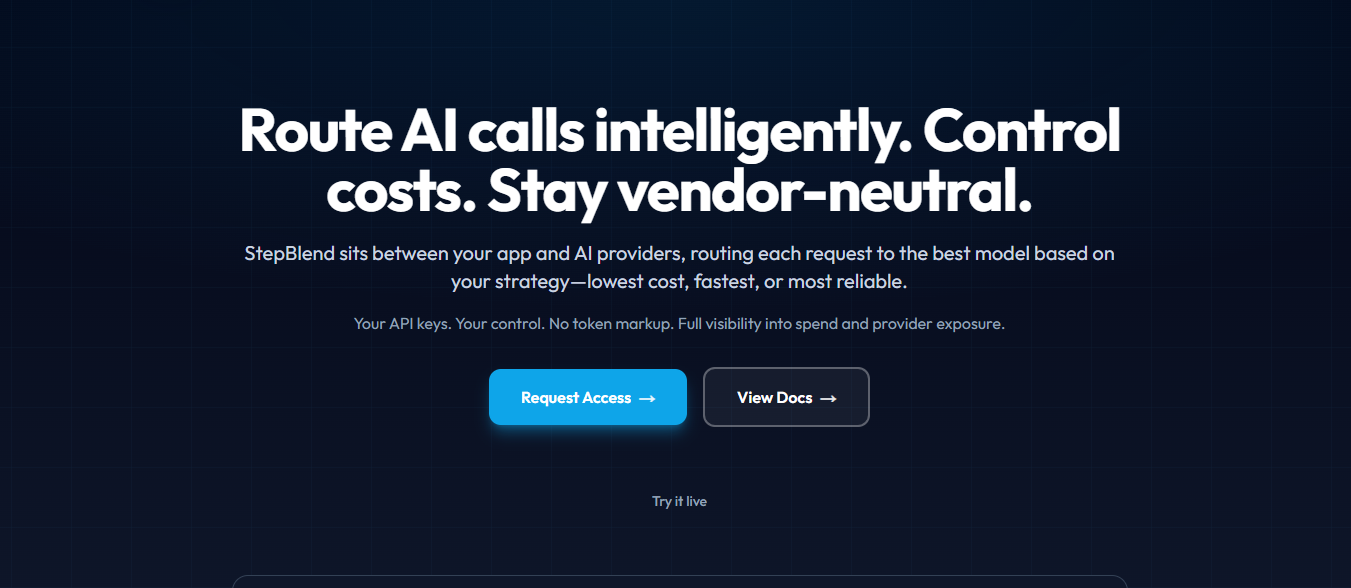
StepBlend gives you multi-model routing with your own keys, cost caps, and a Control Center for spend and logs. Try the Optimizer → or read the routing API docs.
Ready to add control to your AI calls?
Route through one endpoint. Set cost caps, pick strategies, and see spend—your API keys, no token resale.
Try the OptimizerRelated posts
LLM Cost Control: How to Cap and Reduce AI API Spend
Once you have real LLM usage, cost and visibility keep you up at night. Here's how to cap spend per request, see what actually ran, and route between models without the bill shock.
Choosing the Right LLM Routing Strategy: Lowest Cost, Balanced, Fastest
When to use lowest cost vs balanced vs fastest vs max reliability. A practical guide to matching routing strategy to your use case.